


Managing purchase orders manually can quickly become slow and frustrating as a business grows. Teams often rely on emails, spreadsheets, and repeated data entry to create, approve, and track orders. Purchase order automation replaces many of these manual steps with digital workflows that improve speed, accuracy, and visibility.
With automated purchase orders, businesses can route requests to the right approvers, generate POs faster, notify suppliers, and keep purchasing records organized. This approach also helps reduce duplicate orders, approval delays, and costly data-entry mistakes while giving teams better control over business spending.
Challenges of Manual Purchase Order Processes
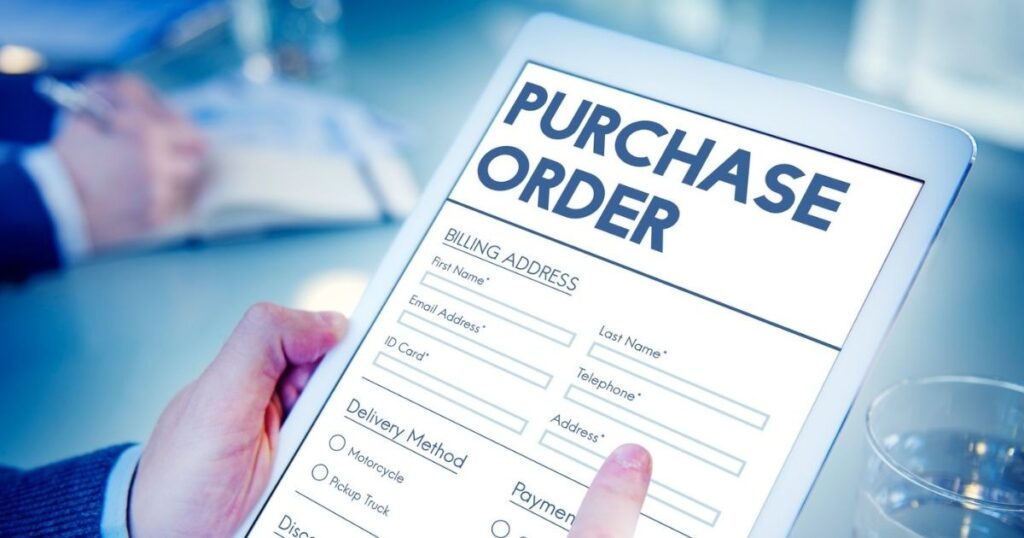
Manual purchasing often begins with emails, spreadsheets, and scattered approval messages. That setup creates delays when employees enter incorrect quantities, forget attachments, or wait for unavailable managers.
Over time, small mistakes become expensive. Missing information can delay suppliers, duplicate orders can increase spending, and poor records make audits harder. Purchase order automation replaces much of this administrative friction with consistent workflows.
How Purchase Order Automation Works
The process usually starts when an employee submits a purchase requisition. After approval, the system can create a PO using supplier, pricing, delivery, and purchasing data already stored in the platform.
Rules then determine what happens next. A low-value purchase might receive one approval, while a larger request could move through several reviewers. Modern procurement platforms can route documents automatically according to configured conditions.
Benefits of Purchase Order Automation
The biggest advantage is speed. Automated workflows reduce repetitive typing, manual follow-ups, and unnecessary handoffs. Procurement employees can spend more time negotiating supplier terms and managing exceptions.
Accuracy improves too. Systems can reuse approved supplier and purchasing information instead of forcing employees to re-enter it repeatedly. Automation also creates clearer records, which helps organizations monitor spending and enforce purchasing policies.
| Benefit | Business impact |
| Faster approvals | Shorter purchasing cycles |
| Fewer errors | More reliable order data |
| Better visibility | Easier PO tracking |
| Stronger controls | More consistent spending policies |
| Less administration | More productive procurement teams |
How to Automate Purchase Orders Step by Step
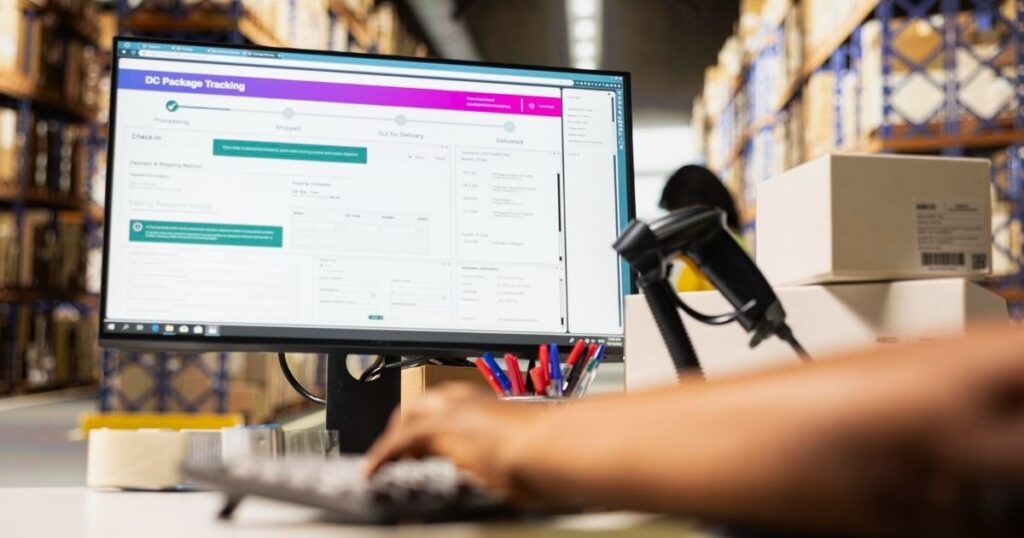
Start by mapping the existing process from request through supplier fulfillment. Identify repetitive activities, approval bottlenecks, duplicate data entry, and frequent exceptions before choosing what to automate.
Next, configure approval rules, supplier records, PO templates, notifications, and integrations. Test the workflow with real purchasing scenarios before expanding it across departments. SAP documentation shows that automated PO creation can depend on reliable supplier and purchasing master data.
Setting Up Automated PO Approval Workflows
Clear approval rules prevent automation from becoming a digital bottleneck. Set thresholds around purchase value, department, category, project, or cost center so each request reaches the right person automatically.
Key Features of PO Automation Software
Good PO automation software should handle more than automatic document creation. Look for approval routing, supplier management, PO tracking, notifications, audit histories, reporting, and exception handling.
Integration matters just as much. A useful platform should exchange purchasing data with accounting, inventory, ERP, and supplier systems. Strong connectivity prevents employees from copying the same information between several applications.
Features That Matter Most for Growing Businesses
Scalability becomes important as transaction volume increases. Choose software that can support more suppliers, users, departments, approval rules, and purchase transactions without forcing your team into increasingly complex manual work.
PO Automation and ERP Integration
ERP integration connects purchasing activity with financial and operational data. When systems communicate properly, approved requisitions can generate POs while supplier, pricing, accounting, and inventory information stays synchronized.
This connection also reduces duplicate entry. For example, an integrated workflow can move information from a purchase request into an approved PO without requiring a buyer to recreate every field manually. SAP supports automated conversion of qualifying requisitions into purchase orders.
Connecting Automated POs With Your ERP
Before integrating, check APIs, supported data fields, authentication, error handling, and synchronization frequency. A technically strong connection still fails if important supplier, tax, accounting, or inventory data cannot move reliably.
Best Practices for Effective PO Automation

Automation works best when the underlying process makes sense. Standardize supplier data, approval thresholds, purchasing categories, and PO templates before building complicated workflows.
Keep people involved where judgment matters. Routine orders can move automatically, while unusual prices, new suppliers, or large purchases can trigger human review. This balance keeps procurement automation efficient without removing necessary oversight.
Keep Automation Simple and Scalable
A good workflow should feel almost invisible to employees. Start with high-volume, predictable purchases, measure results, then expand gradually. This approach makes problems easier to identify before automation reaches the entire organization.
How to Choose the Right PO Automation Solution
Start with business needs rather than impressive feature lists. Evaluate approval flexibility, ERP compatibility, supplier management, reporting, security, usability, implementation requirements, and total cost.
Also examine how the platform handles exceptions. A purchase workflow needs clear paths for rejected requests, changed orders, missing information, and unusual spending. Oracle, for example, supports rule-based PO approval routing using attributes such as amount, requester, category, project, and cost center.
What to Look for in Purchase Order Automation Software
The best solution fits your existing purchasing structure while leaving room for growth. Test realistic scenarios during demonstrations, especially approvals, PO changes, supplier communication, ERP synchronization, and exception handling.
Conclusion
Purchase order automation can transform procurement from a paperwork-heavy process into a faster digital workflow. It reduces repetitive work while improving approval control, purchasing visibility, and data consistency.
The strongest results come from combining sensible processes with reliable software. When automation connects with ERP and accounting systems, businesses can create a smoother path from purchase request to approved order and supplier fulfillment.
FAQs
What Is Purchase Order Automation?
It uses software to automate PO creation, approvals, routing, tracking, and related purchasing tasks. This reduces repetitive manual work.
How Does Purchase Order Automation Save Time?
It removes repeated data entry and manual follow-ups. Automated workflows can also route purchase requests to the correct approvers.
Can Purchase Order Automation Integrate With ERP Systems?
Yes. Many procurement platforms connect with ERP systems to synchronize purchasing, supplier, accounting, and inventory information.
Is Purchase Order Automation Suitable for Small Businesses?
Yes. Smaller companies can automate repetitive purchasing tasks without adopting highly complex enterprise workflows. The key is choosing software that matches their transaction volume.
How Much Does Purchase Order Automation Cost?
Pricing varies by users, transactions, features, integrations, and deployment model. Compare total implementation and operating costs rather than looking only at subscription fees.

Welcome to The Tech Millon! I’m Ethan Clark, an AI-Powered SEO and Content Writer with 4 years of experience. I help websites rank higher, grow traffic, and look amazing. My goal is to make SEO and web design simple and effective for everyone. Let’s achieve more together!